Enable Harvey for Slack for Your Workspace
Learn how to enable Slack app within your Harvey workspace and how to remove Harvey from Slack.
Last updated: Nov 10, 2026
Overview
As a workspace admin, you can connect Slack to your Harvey workspace by enabling the Harvey for Slack app. Once enabled, your team can message @Harvey in Slack channels or direct messages, and users can add Slack as a knowledge source in their Harvey queries.
This guide covers how to enable the Harvey for Slack app and how to remove Harvey from Slack.
Before You Begin
In order to enable Slack for your workspace, the following must be true:
- You are an admin in your Harvey workspace.
- You have permission in Slack to install apps into your workspace (being a Slack admin is not required, but some Slack workspaces require app approval by a Slack admin).
How To Enable the Slack Connector in Harvey
- Navigate to Command Center → Configurations → Connectors.
- Locate Slack and select Add.
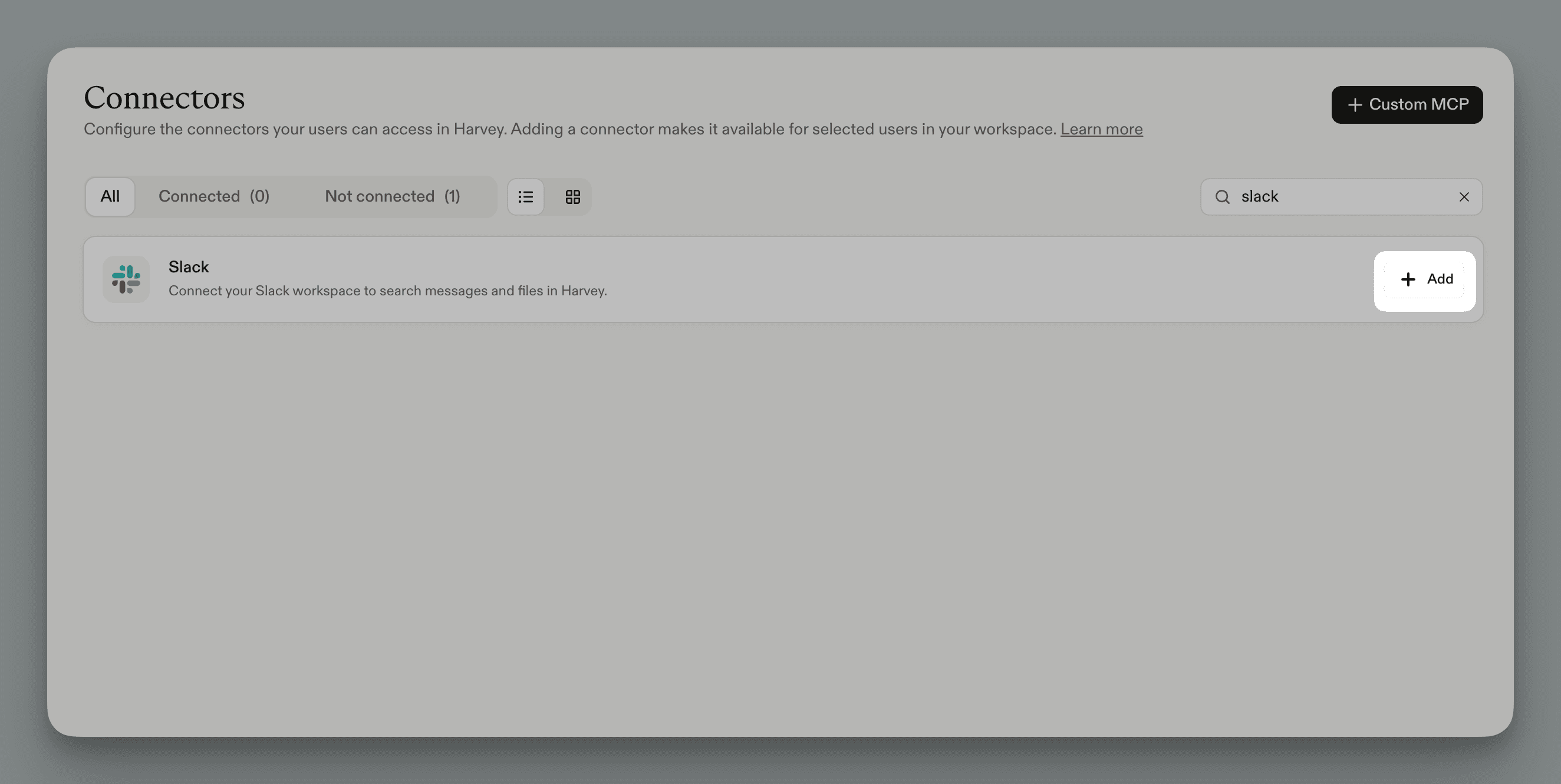
- In the popover, select Add.
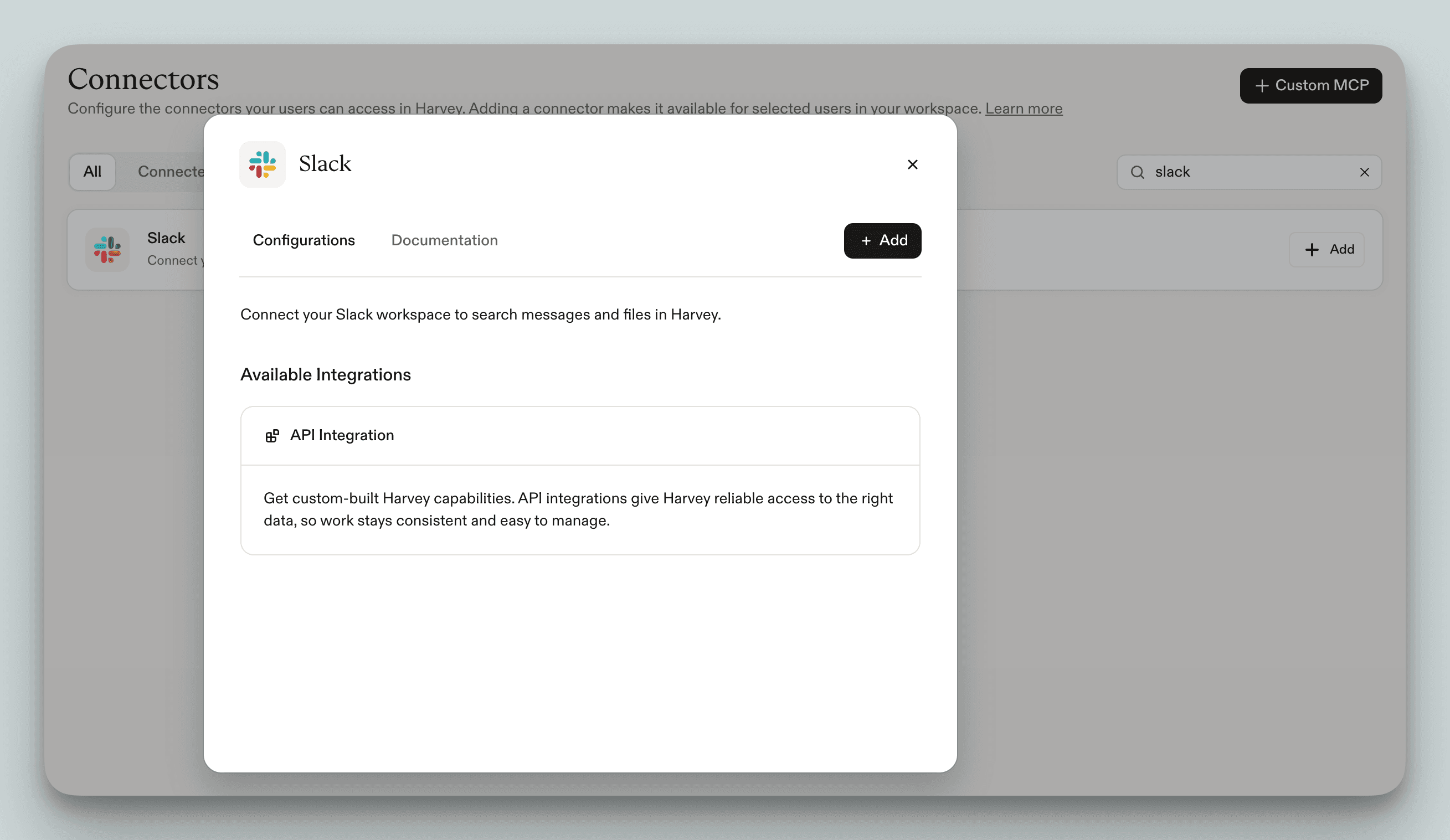
- In the API Integrations field, select Connect.
- [Optional] Choose the roles and users that can access the integration. Access can also be granted or adjusted from the Users page in Command Center after the integration is enabled.
- Select Enable Integration.
- You'll be taken to Slack's authorization screen. Review the requested permissions and select Allow to install the Harvey app in your Slack workspace.
Once set up, the Slack integration will show as connected in Command Center → Configurations → Connectors in your Harvey workspace.
Remove Harvey from Slack
Workspace admins can remove the Harvey app by following Slack's instructions for removing apps. Once removed, the app no longer has access to your Slack workspace.
Troubleshooting
Need help installing or using Harvey for Slack? Email support@harvey.ai.
To help us investigate, please include the following information in your email:
- Your Slack workspace name
- Your Harvey workspace name
- A short description of what you were trying to do
- The approximate date and time the issue occurred
- A screenshot, if useful, with confidential information removed
Please do not email confidential Slack messages, files, or client information unless Harvey Support specifically asks for them. For installation or workspace access issues, contact your Harvey workspace administrator first.
Was this article helpful?