Release Notes
Add Manual Input Columns to Review Tables
Manually create columns in review tables to add relevant context that can then be analyzed alongside the rest of the review table.
What’s New
Manual Input Columns let you add your own notes and context directly to a review table, alongside extracted document data so you can analyze, flag, and query both without switching tools.
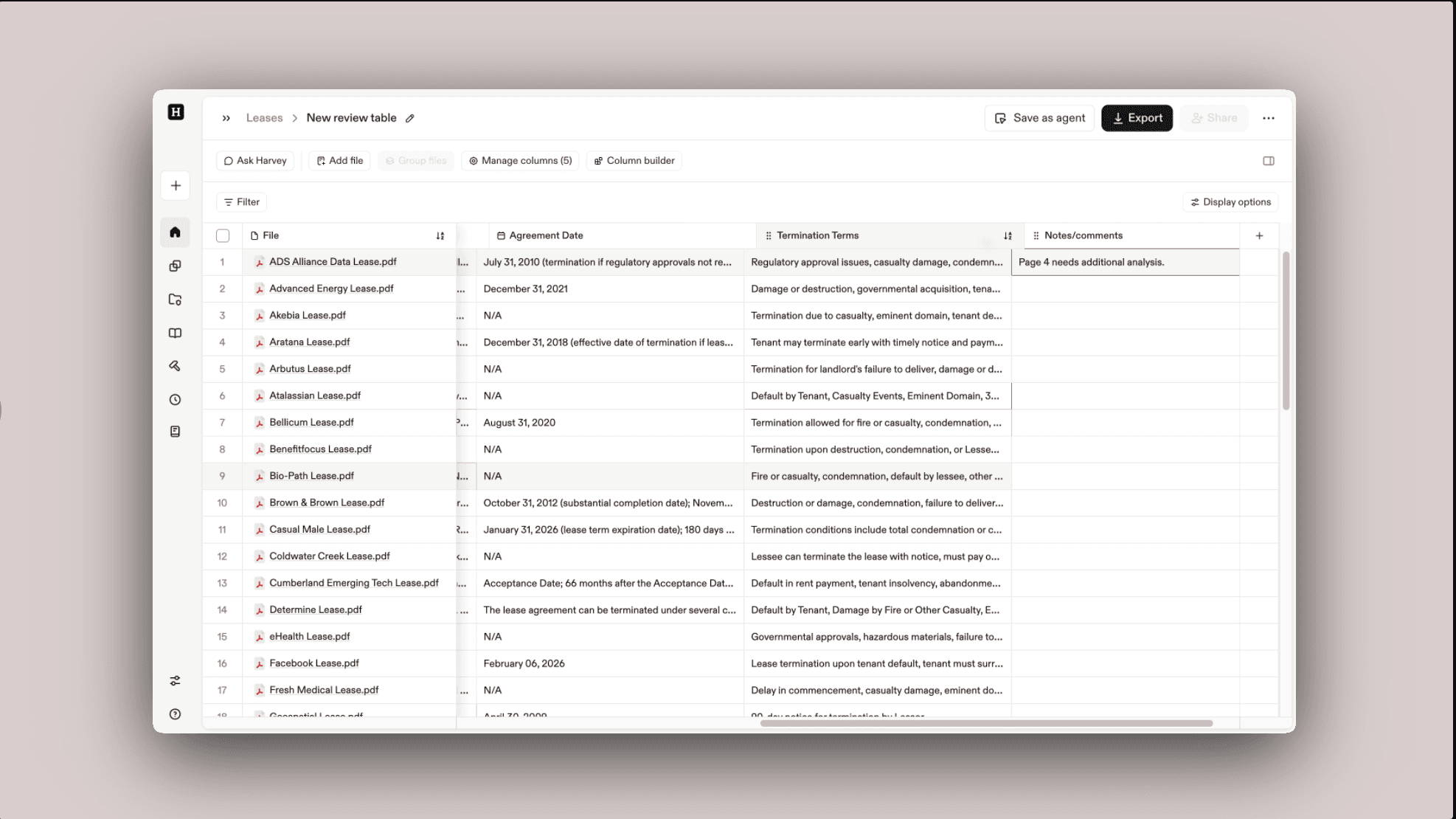
With Manual Input Columns, you can:
- Capture context that can’t be directly extracted from uploaded documents
- Add deal-specific notes or internal comments
- Keep your review workflow inside Harvey — no need to export to a spreadsheet
- Use Ask over Review (Harvey’s AI query feature), flagging, and verification on both AI-extracted and manual inputs
Why It Matters
Now you can directly add context and notes in review tables, without having to export to Excel — allowing you to use review capabilities like flagging, verification, and Ask over Review (Ask Harvey).
How to Use
Refer to how to Add a Manual Input Column for Notes for step-by-step guidance.
Notes and Limitations
The following feature is not supported yet, but will be coming soon:
- On group/ungroup, the content in manual input column cells is preserved
FAQs
Q: What should I use Manual Input Columns for?
Use them to capture insights that cannot be extracted from documents, such as internal context, reviewer judgment, or deal-specific nuances.
Q: Are manual inputs verified against source documents?
No. Since manual inputs are user-generated, they won’t appear in source citations or verification trails.
Q: Can multiple users contribute to the same manual column?
Yes. Multiple reviewers can add and modify entries, with each cell maintaining its activity history of past cell content.